
Used on 10,000+ road, sewer and utility projects
















Sound familiar?
Most contractors find out if a job made money when it’s too late.
What we heard from foremen, PMs and owners on road and utility jobs.
-
They forgot to record a truck that was there for two weeks.
Thornberry Excavation
With vSite:Same day, not month-end. Extras logged with photos, hours and equipment. e.g. on a $5M job, every 1% unbilled is $50,000.FIELDOFFICE
$11K
billed instead of lost: a truck on site for two weeks, 10 h a day at $110/h, logged as extra work the day it arrives
-
You get to the end of the job and realize you have to go back and figure it all out.
City Infrastructure Group
With vSite:Every evening, not at closeout. Cost by cost code while you can still fix the job.OFFICE
29 days
sooner you see a losing cost code: every evening instead of the month-end cost report
-
You can see what happens only after a month or two, once you get your actuals.
Apex Utility Contractors
With vSite:Next day, not 1–2 months. Cost next to installed quantity, against the bid.FIELDOFFICE
$120K
at risk when a $2,000-a-day overrun runs 60 days before the actuals show it
-
At least give us enough information to figure out what happened on that day.
West Construction
With vSite:Flagged the same evening. Losing days caught, with the foreman’s report attached.OFFICE
$38K
saved when a $2,000-a-day loss is caught on day 1 instead of at month end, 20 working days later
-
It’s November, and I’m still getting September’s approved.
Northstar Construction
With vSite:2 weeks to 1 day. Van Gelder’s invoice documentation with vSite. Errors in pay apps are subs’ top self-inflicted cause of late payment (Siteline, 2026).FIELDOFFICE
13 days
sooner to invoice: documentation in 1 day instead of 2 weeks (Van Gelder)
-
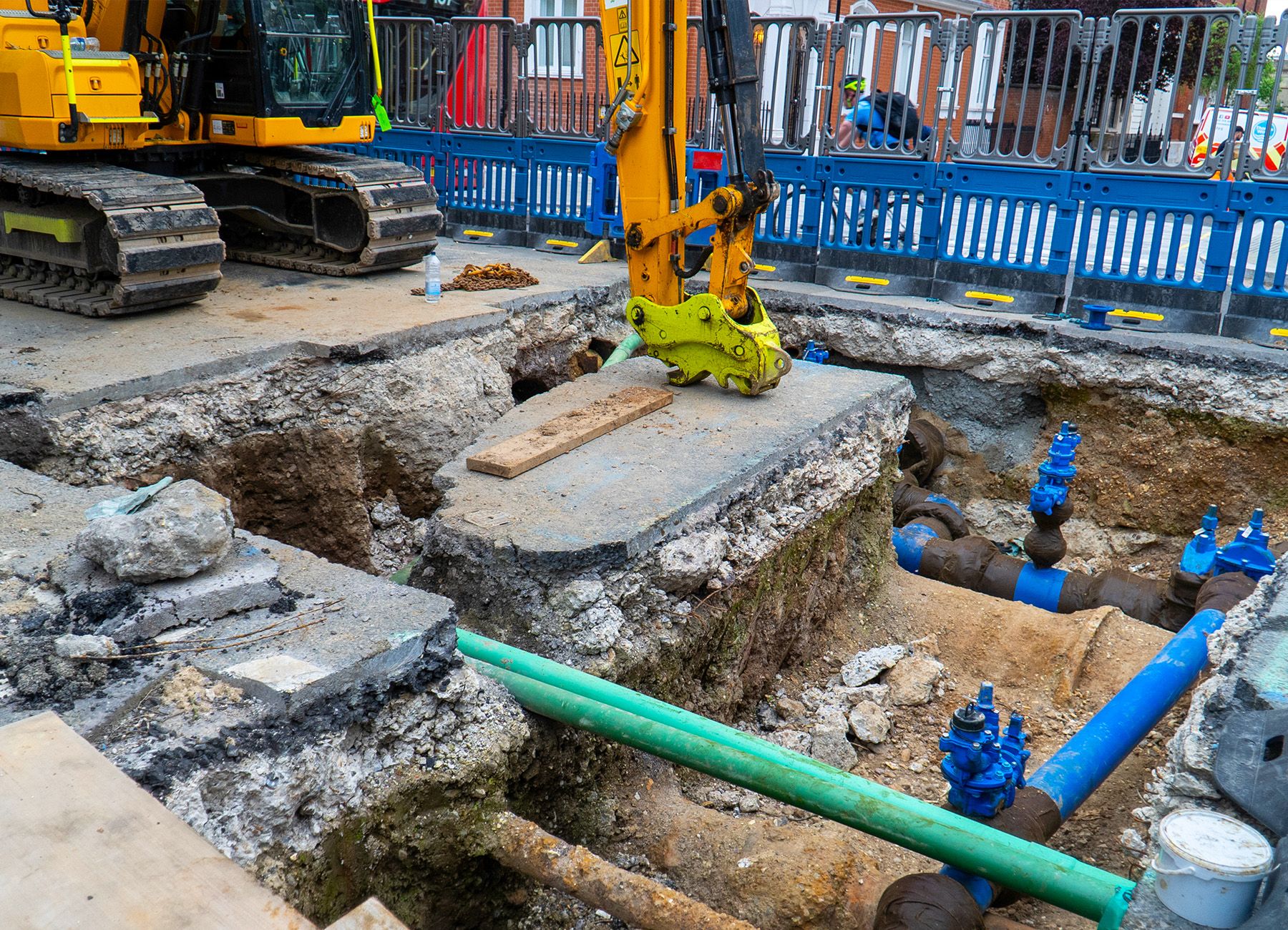
A job like this, we cross 30 utilities daily.
North Rock Group
With vSite:About 2 minutes per scan. Every exposed utility seen and recorded. Utility damage costs the U.S. $83.2B a year (CGA, 2026).FIELD
$124K
average cost of one utility damage in the U.S. ($83.2B across 668,999 incidents, CGA 2026)
Why vSite
From field to office: every meter installed, every dollar accounted for
Measure the work. Capture the cost. Know your margin.
-
1
See itFIELD
Utilities and design over the street view
-
2
Record itFIELD
Redline, scan and photo on site
-
3
Measure itFIELD
Quantities by pay item, automatically
-
4
Cost itOFFICE
Hours and materials attached to cost codes
-
5
Bill itOFFICE
Certificate and extras, proof attached
One redline, start to finish
Two parts
One app for the crew and the office. Use one, or both.
Keep your estimating and accounting. vSite fills the gap between the field and the books.
YOUR EXISTING SYSTEMS
Estimating
Your bid
FIELD
vSite Field
On site
OFFICE
vSite Office
In the office
YOUR EXISTING SYSTEMS
Accounting and Payroll
QuickBooks, Sage, WagePoint, ERP
vSite Field
For the crew. See what’s underground, record what’s installed.
- See buried utilities
- Avoid strikes
- Scan the trench
- Drawings on the phone
- Redlines and as-builts
- Utility locates
- Quantities, measured
On its own: next to your existing office software.
vSite Office
For the office. Hours, reports and cost, without retyping.
On its own: replaces paper time cards and Excel.
The payoff
How civil contractors make more money with vSite
Example only. A pilot shows your numbers.
-

-
 02
Recover extra work
Change orders and claims, logged the day they happen, with proof.
e.g. $5M job, 1% unbilled = $50,000
-
 03
Spot money-losing work the same day
Cost against installed quantity, by cost code, every evening. Fix the crew, the method or the price while it still matters.
- 04
Documentation that gets you paid
Evidence attached to every invoice.
- 05
Stop typing it twice
Hours, slips and quantities entered once.
Setup
Get started in days or even hours, not months.
No consultants. No rollout project.
MORNING
Send your project files
AFTERNOON
We load them
NEXT MORNING
Crews are on it
Send your project files in the morning. Crews can be on it the next day, depending on how complete your project data is.
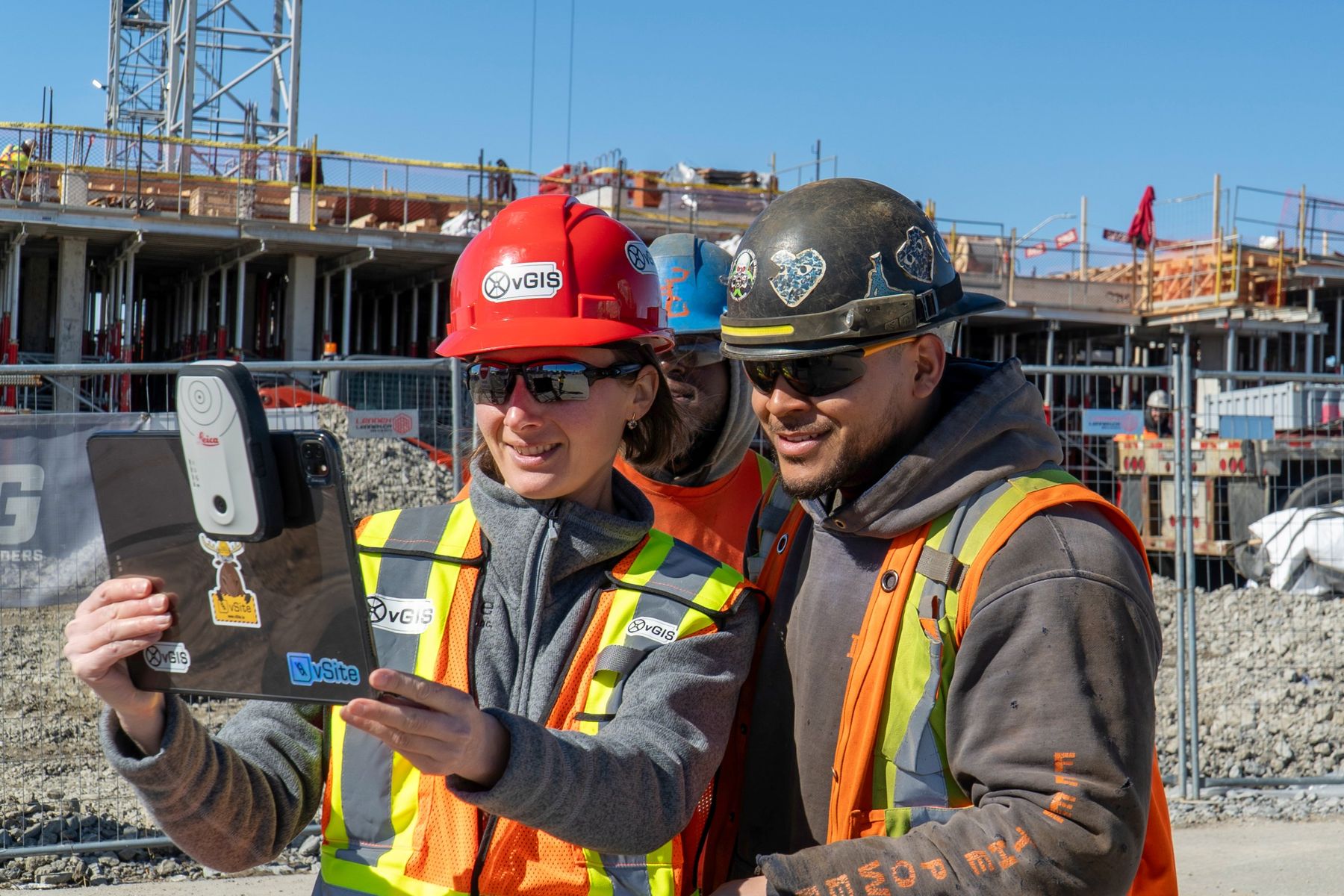
“Guys like simple.”
Customers
What changed for contractors using it
“vSite is a force multiplier for construction projects.”
What is vSite?
Field and office software for civil contractors (road, excavation, wet and dry utilities, landscaping), made by vGIS Inc. vSite Field for the crew, vSite Office for timesheets, daily reports and job cost.
Can we use only the office part?
Yes. vSite Office replaces paper time cards, handwritten diaries and the Excel cost report. You keep your accounting.
We already have office software. Does vSite fit?
Yes. Add vSite Field for utilities, redlines, as-builts and measured quantities, and send quantities to your system by cost code.
How long does setup take?
Hours, not months. Send us your employee, equipment and cost code lists in Excel. Crews start the next morning.
Do foremen need training?
Very little. The foreman sees his crew, his cost codes and his street, on the phone he already has.
How is vSite priced?
A flat annual fee per crew or per project, with unlimited users. See pricing.
Pilot
Prove it on your own job
Before you roll it out, we show you the value on one of your live projects. Your crew, your cost codes, your numbers.
- 1Pick a live project, ideally a hard one
- 2We set it up in hours and stay with you
- 3Judge it on results, then decide
One project, priced like any other. Cancel within 30 days if it isn’t paying off.